

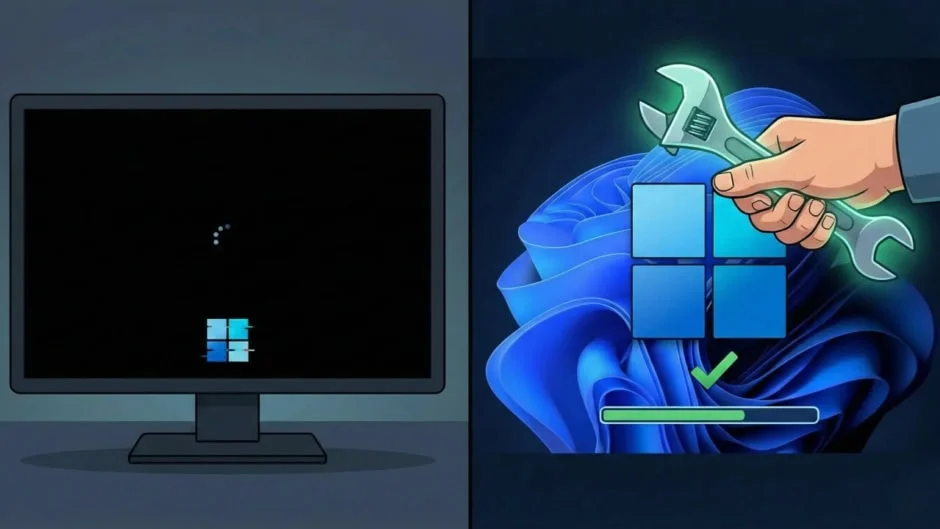
In a swift response to user reports and internal diagnostics, Microsoft has released an emergency fix to resolve a critical issue introduced by its latest Windows 11 security update — a problem that prevented some PCs from shutting down or entering hibernation properly. With the frequence of Windows updates and the growing complexity of modern operating systems, even minor bugs can ripple into far-reaching disruptions for both individual users and enterprise environments. Microsoft’s timely intervention highlights the company’s ongoing commitment to system reliability and user experience.
What Happened With the January Security Update
On January 13, 2026, Microsoft rolled out its regular Patch Tuesday security updates for Windows 11. While these updates included important protections against emerging threats and system vulnerabilities, they also inadvertently introduced a bug affecting certain devices running Windows 11 version 23H2. Specifically, machines with the Secure Launch feature enabled — a security safeguard designed to protect against firmware-level attacks during system startup — were restarting instead of shutting down or going into hibernation when users clicked the “Shut Down” or “Hibernate” options.
This peculiar behavior was widely reported across tech forums and user communities, with affected users describing how their systems seemed to ignore shutdown requests and instead simply rebooted. For many, this wasn’t just an inconvenience — it disrupted workflows, automated tasks, energy-saving routines, and even scheduled maintenance operations. Until the patch was issued, some users resorted to workaround commands via the command prompt to force shutdowns.
Additionally, the January update triggered a separate issue impacting remote desktop connections. Users attempting to sign in to their machines using native remote apps experienced login authentication failures, leaving some unable to access systems remotely.
Microsoft’s Emergency Fix
In recognition of the impact these issues caused, Microsoft responded rapidly by releasing an out-of-band (OOB) emergency update on January 17, 2026. This patch, easily accessible through the Windows Update Catalog or Windows Update interface, specifically targets the shutdown glitch and restores normal power-off behavior for affected PCs. According to official patch notes, the update — identified as part of Microsoft’s out-of-band fixes — resolves the shutdown bug and ensures devices using Secure Launch operate as intended.
For IT administrators, help desks, and individual users, installing this update should be a priority to avoid disruptions caused by unexpected restarts. Microsoft also advises users to keep their systems fully updated — which includes both security patches and emergency fixes — to maintain optimal performance and system security.
What This Means for Users and Businesses
For individual users, this fix reinforces the importance of prompt patching, especially when dealing with critical system updates. System stability — especially fundamental actions like shutting down — should always be predictable, and Microsoft’s quick fix reassures users that the company is monitoring post-update behavior closely.
For enterprises and organizations, the incident underscores the need for staged rollouts and internal testing before wider deployments. Larger IT infrastructures often have multiple endpoints, and even edge cases like the Secure Launch shutdown issue can have amplified consequences if unchecked. Managed rollout strategies and automated update testing frameworks can help minimize disruption from unexpected bugs.
Continued Improvements and System Resilience
While this emergency patch addresses the immediate shutdown and hibernation issues, Microsoft continues to examine related problems and plans future updates to further refine system behavior. Security patches remain crucial in defending against evolving cyber threats, and Microsoft emphasizes that reliability improvements will accompany future releases.
In fact, as the technology landscape evolves — with more users relying on hybrid work setups, remote access tools, and advanced security features — robust update mechanisms are more essential than ever. This recent patch demonstrates Microsoft’s ability to respond to critical bugs while maintaining transparency with its user base.
Learn More
For a detailed timeline and breakdown of this Windows 11 shutdown issue, and to understand how emergency patches like this play into broader tech improvements and latest developments in system reliability, check out this summary on how Microsoft handled the Windows 11 reboot glitch and released a corrective patch.
